
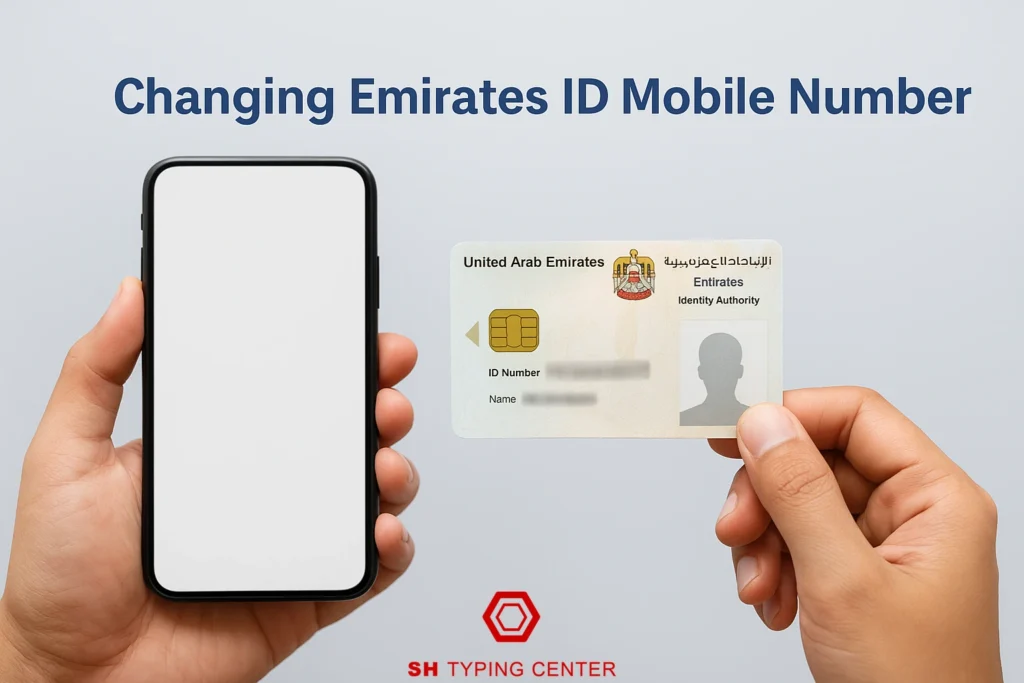
In the UAE, your Emirates ID is more than just an identification card, it’s your key to almost every service. From banking and healthcare to visa renewals and government portals, your registered mobile number plays a crucial role.
If your mobile number changes and you don’t update it, you might miss important OTPs, renewal alerts, or government messages. This guide explains how to update your Emirates ID mobile number both online and offline, what documents you need, and how to avoid common mistakes.
Why Updating Your Emirates ID Mobile Number Matters
Your mobile number is directly linked to your Emirates ID for verification and access to government services. Every time you log into the ICA Smart Services or renew your Emirates ID, you receive an OTP on the registered mobile number.
If that number is outdated or inactive, you may face several issues:
- Missed OTPs: Preventing logins to ICA or other portals.
- Failed transactions: Delays in Emirates ID renewal or visa processing.
- Communication gaps: Missing important government updates or notifications.
Keeping your contact information current ensures smooth transactions and uninterrupted access to all digital services in the UAE. A quick update can save you from unnecessary stress later.
Online Method: Update Through ICA Smart Services UAE
The ICA Smart Services portal offers a fast, convenient way to update your Emirates ID mobile number. It’s ideal for those who prefer managing government services online.
Steps to Update Online:
- Visit the ICA Smart Services UAE website.
- Click on “Update Personal Information” under the Emirates ID section.
- Enter your Emirates ID number, passport details, and new mobile number.
- Pay a small processing fee (usually between 50–100 AED).
- Verify your identity through an OTP sent to the new mobile number.
- Receive confirmation via SMS or email once your number is updated.
Updating through ICA Smart Services is usually completed within 24–48 hours, making it a preferred method for most residents.Tip: If you’re managing government paperwork regularly, learning about GDRFA Dubai services can help you handle visa and ID tasks more efficiently.

Offline Method: Update Through Authorized Typing Centers
If you prefer in-person support or need help with the form, you can visit an authorized typing center in Dubai or any other emirate. These centers are trained to handle Emirates ID-related requests efficiently.
Steps to Update Offline:
- Visit an authorized typing center like SH Typing Center.
- Carry your Emirates ID, passport copy, and new mobile number.
- Request the Emirates ID update form and provide accurate details.
- Pay the service fee and collect a receipt as proof of submission.
- Your updated number will reflect in the ICA database within 24–48 hours.
Typing centers also help with related services such as translating and legalizing foreign documents required for immigration or visa processing.
Types of Kiosk Options for Updating Emirates ID
In some high-traffic areas like malls or government service centers, self-service kiosks are available for Emirates ID updates. These machines let you:
- Update mobile numbers and contact details
- Print receipts for updates
- Check Emirates ID renewal status
They’re perfect for those who prefer a quick self-service option without waiting in queues. If you’re running a kiosk business in Dubai, keeping your Emirates ID details accurate is equally important for business license renewals and approvals.

Common Issues and How to Fix Them
Sometimes, your Emirates ID mobile number update might not go as planned. Here are common issues and simple solutions:
1. OTP Not Received
- Check if your mobile SIM is active.
- Make sure your number has UAE network coverage.
- Try again after clearing your browser cache or switching browsers.
2. Incorrect Details Entered
- Always double-check your Emirates ID and passport number before submission.
- Small typos can delay or reject the update.
3. Technical Errors on ICA Portal
- Try the update during non-peak hours.
- If errors persist, visit a nearby typing center for manual assistance.
4. Unverified SIM
- Ensure your mobile number is registered under your name.
- The system only accepts verified UAE numbers.
Processing Time and Fees
The UAE government has made the process simple and affordable for all residents.
Processing Time: Updates are usually completed within 24–48 hours after submission.
Fees: Online update (ICA Smart Services): 50–100 AED
Typing center update: 70–120 AED depending on service charges
Keep your payment receipt until you receive confirmation that your mobile number has been successfully updated.
Practical Tips for Hassle-Free Visa and ID Processing
Following the right steps helps you avoid unnecessary issues.
- Keep multiple copies of all important documents like Emirates ID, passport, and residence visa.
- Attend medical and biometric appointments promptly if required during updates.
- Track your application status online through the ICA Smart Services portal.
- Use professional services like SH Typing Center for expert guidance.
- Stay connected with authorities by responding to SMS or email alerts immediately.
If you work in sectors like food, hospitality, or construction, you’ll also need to maintain valid occupational health cards in Dubai alongside your Emirates ID.
Keep Your Details Updated, Stay Stress-Free
Updating your Emirates ID mobile number is a small task that brings big peace of mind. It ensures you receive all official updates, verification messages, and renewal reminders without delays.
In a country where everything, from government services to banking, depends on accurate contact details, keeping your information current is essential.
If you want a smooth and error-free update, visit SH Typing Center. Our experts handle Emirates ID updates, visa renewals, and government form processing with precision and care. Save time, avoid mistakes, and ensure your Emirates ID stays fully up-to-date. Book a free appointment.
FAQs
How long does it take to update the Emirates ID mobile number?
The update usually reflects within 24 to 48 hours in the ICA system. In some cases, it may take longer if additional verification is required. Always keep a copy of your update receipt for reference.
Is there a fee for updating my Emirates ID mobile number?
Yes, the update fee typically ranges between 50 AED and 100 AED. The cost may vary depending on whether you apply online or through a typing center. Always confirm the exact fee before proceeding.
Can I change my Emirates ID mobile number without visiting a typing center?
Yes, the process can be completed online through ICA Smart Services UAE. You only need your Emirates ID, passport details, and the new mobile number for verification. The update confirmation will arrive via SMS.
What if I don’t receive the OTP for verification?
First, ensure your SIM card is active and registered under your name. Retry the process after a few minutes or switch to a different browser or device. If the issue persists, contact ICA support for assistance.
Where can I get help for Emirates ID updates?
You can visit SH Typing Center for quick and accurate Emirates ID updates. Their experts handle all document submissions to ensure no delays. Get professional help for a smooth and error-free process.
